1.5V Battery Guide for High-Drain Cameras, Mice and Smart Locks
A 1.5V battery looks simple until enough—until your device starts malfunctioning.. A wireless mouse skips. A smart lock warns low battery too early. A camera shuts down after only a short session. In many cases, the battery is not fully empty. Its voltage drops below the device’s operating threshold, causing poor performance.
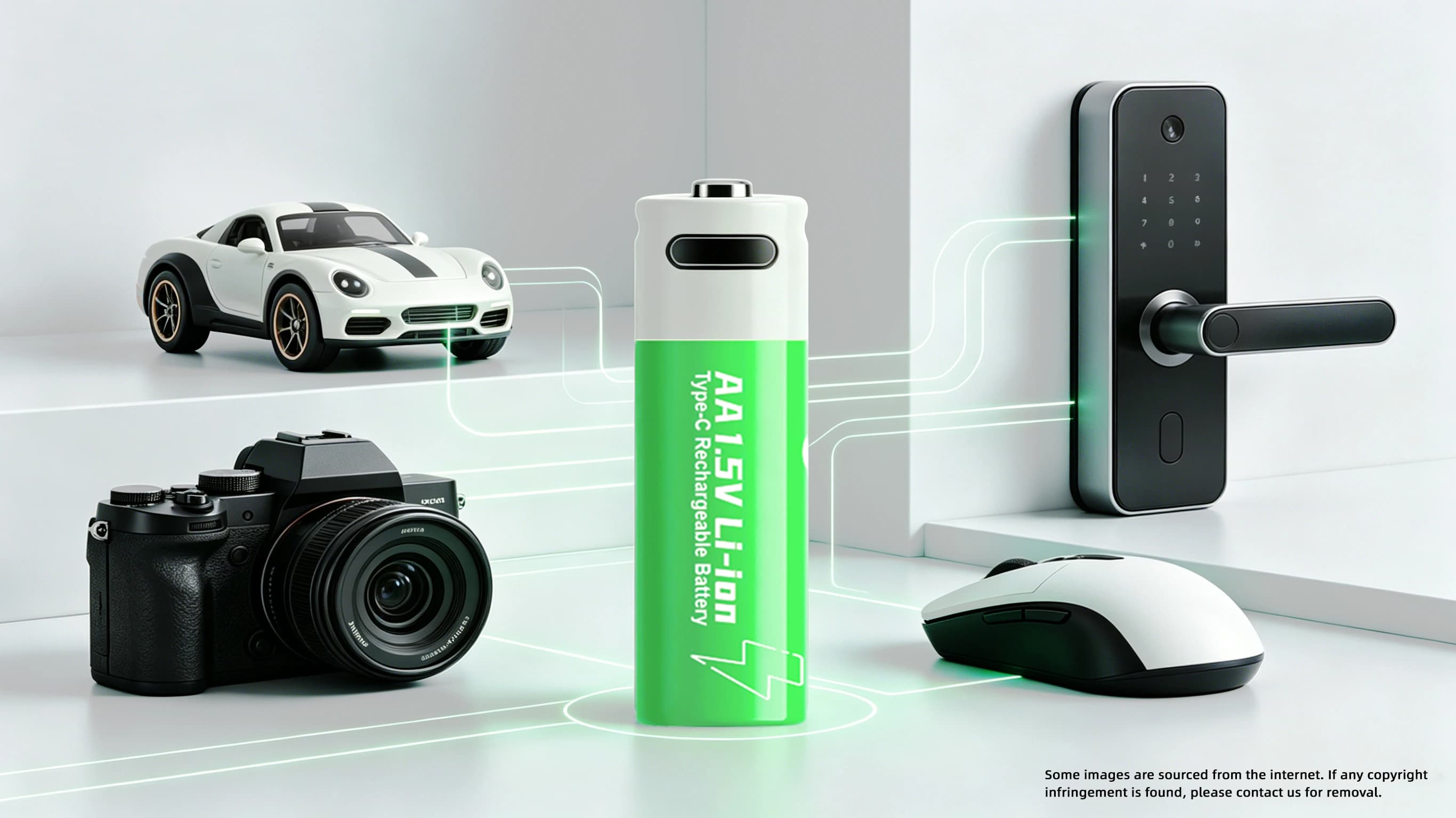
That is why battery selection matters. Cameras, mice, smart locks, electric toothbrushes, remotes, flashlights and toy cars may all use AA or AAA batteries, but they do not draw current in the same way.
The best 1.5V battery matches the device's load profile, voltage expectations, service interval and charging plan.
Why 1.5V Battery Performance Changes Under Real Device Loads
A 1.5V battery must do more than fit the battery compartment.
Many everyday devices were designed around standard AA or AAA alkaline cells. These batteries start near 1.5V, but their voltage falls as the device keeps drawing power. This voltage This voltage drop is negligible for low-power devices like wall clocks but critical for smart locks, camera flashes, wireless mice and electric toothbrushes.
This is the common user complaint: the battery still has energy, but the device already feels weak.
The issue comes from the difference between stored energy and usable voltage. A device may stop once voltage falls below its cutoff point, even if the battery is not completely drained.
How Alkaline 1.5V Battery Options Behave in Cameras, Mice and Smart Locks
Alkaline batteries work well when cost and availability matter most.
They are easy to buy and familiar to most users. For low-drain devices, such as remote controls or clocks, alkaline cells can still be practical.
Weakness appears when the device needs stronger current or steady response. A camera may need short power bursts. A smart lock must move a motor reliably.
As alkaline voltage drops, the device may respond slowly, report low battery or stop earlier than expected. The device can no longer use the remaining energy well.
For OEM design, test alkaline batteries under real load instead of relying only on nominal 1.5V labeling.
When a 1.5V Lithium Battery Makes More Sense
A 1.5V lithium battery makes sense when stable voltage matters more than the lowest cell cost.
Lithium-based 1.5V batteries often target devices that need better voltage stability under load. For cameras and smart locks, that can mean fewer early low-battery warnings.
For teams evaluating rechargeable 1.5V lithium options, the useful questions are specific: Does the cell hold a steady 1.5V output? Does it fit the AA or AAA compartment? Does the charging method match the product experience? Does the protection design cover overcharging, over-discharging, overcurrent and short circuit?
One battery will not fit every device automatically. You still need fit checks, electrical testing and battery gauge validation.
1.5V Rechargeable Battery vs NiMH Battery vs Alkaline Battery
A 1.5V rechargeable battery, NiMH battery and alkaline battery solve different problems.
NiMH rechargeable batteries feature a native nominal voltage of 1.2V. Although the lower voltage may concern product design teams, NiMH cells deliver excellent performance in most high-drain devices, with stronger load tolerance than conventional alkaline batteries under sustained current draw.
The main limitation is compatibility. Some consumer devices are calibrated to match the gradually declining voltage discharge curve of alkaline batteries. If a device is not optimized for NiMH cells, it may display inaccurate battery level readings and false low-power alerts.
Regulated 1.5V rechargeable lithium batteries use internal electronics to keep output near 1.5V. This can help devices that expect a standard 1.5V experience but need reusable power.
That steady output can change how the device reads battery status, so product teams should test the end-of-discharge signal carefully.
What to Check in a 1.5V Rechargeable Lithium Battery
A 1.5V rechargeable lithium battery should be judged by how it behaves in the device, not by the voltage label alone.
Start with the form factor. AA and AAA devices leave little room for mechanical variation, so diameter, height and terminal fit need to be checked early.
Then look at charging. Some products may benefit from a Type-C charging port, while others need a cell without an exposed charging interface because the device already has its own charging architecture.
Cycle life also matters, but it should not be read in isolation. A battery with a strong cycle rating still needs to pass your device's runtime, temperature and safety tests.
For reference, EPT 1.5V Lithium Battery lists AA and AAA options, Type-C and non-Type-C configurations, stable 1.5V discharge, and protection features. Use those details as a starting point for comparison, then validate the battery in your own device.
The better article angle is not "which battery has the biggest number." It is whether the battery keeps the product responsive after weeks of normal use.
How to Test 1.5V Battery Options Before Supplier Selection
You should test a 1.5V battery under the device's real power pattern.
A simple constant-load test can miss the behavior that users feel. A smart lock may sit idle for days and then pull a short motor load.
Before choosing a supplier, test:
l Voltage behavior during peak current
l Runtime under the real use cycle
l Battery indicator accuracy
l Device response after partial discharge
l Cold and warm operating conditions
l Charging method and charger compatibility
l Fit inside the battery compartment
l Safety protection and cutoff behavior
Ask one practical question: Does the device stay responsive after real use, or does it become slow while the battery still has stored energy?
For a rechargeable 1.5V lithium battery, also check end-of-discharge behavior so users get enough warning before power stops.
Choosing the Best 1.5V Battery for Cameras, Mice and Smart Locks
The best 1.5V battery depends on what the device cannot afford to lose.
For cameras, prioritize current delivery and voltage stability.
For wireless mice, balance standby drain, weight, replacement frequency and cost.
For smart locks, treat battery choice as a reliability decision.
For electric toothbrushes, shavers, flashlights and toy cars, user habit matters too. If people use the device often, a rechargeable AA or AAA-style lithium battery can reduce replacement friction.